
Why this Facebook video downloader
The complaints about Facebook downloaders are remarkably consistent: the file won't open, the video has no sound, it saved the wrong video, the button covers the video, or nothing happens at all. VideoToMP4 is built around each one.
Downloaded videos that won't open in QuickTime?
Facebook now sends most videos as VP9 or AV1. Chrome plays them, but QuickTime, iMovie, Photos and iPhone don't. VideoToMP4 converts those videos to H.264 in your browser, keeps the original sound, and marks the result "Plays everywhere". No extra app, no upload, no paid upgrade.
Sound, every time
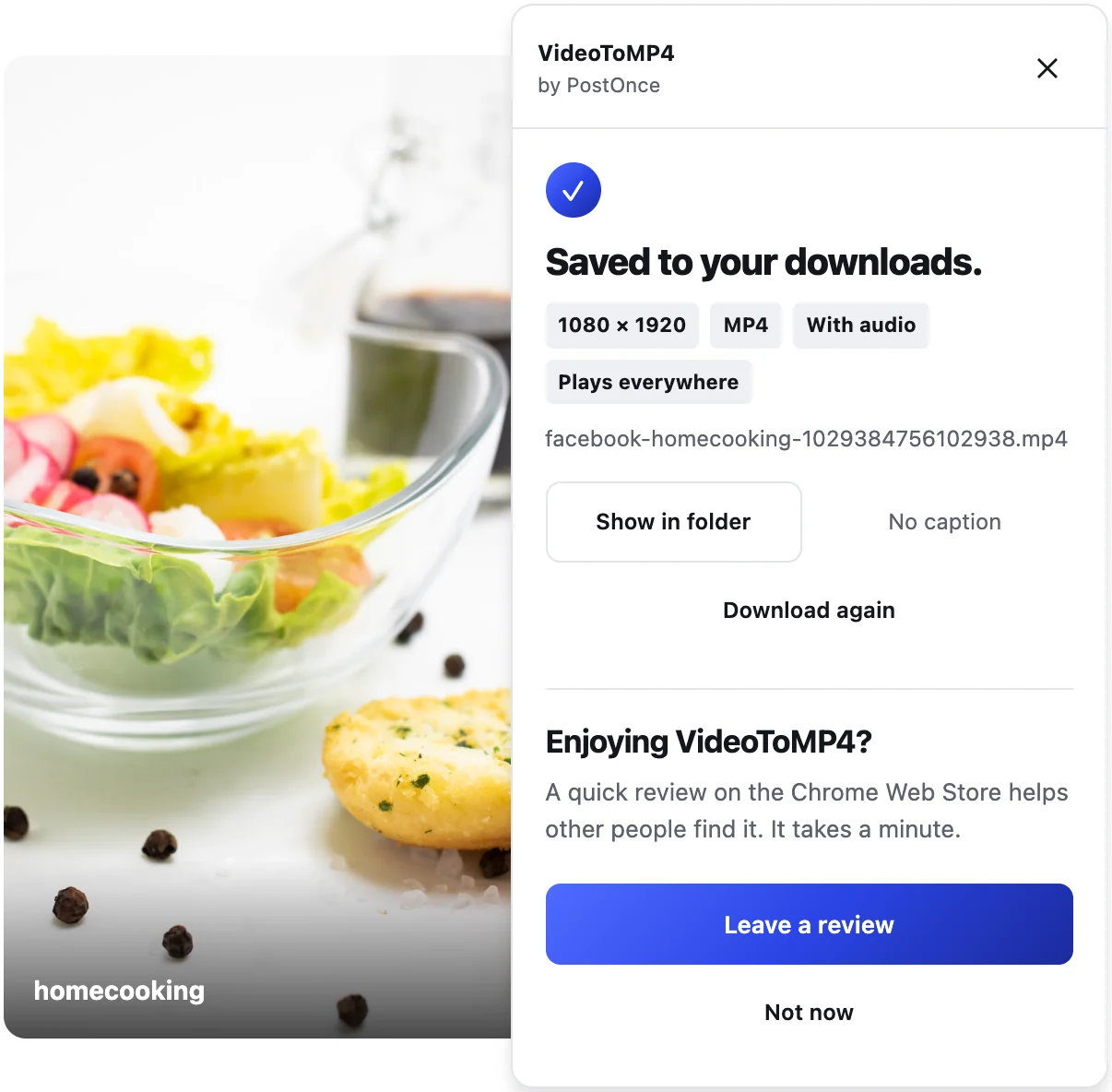
Facebook sends a video's picture and sound separately. VideoToMP4 puts them back together and shows "With audio" on every saved video, so you know before you open it.
The exact video you clicked
Feeds and Reels rows are full of videos. Before saving, VideoToMP4 checks that the video's length matches the one in the player. If it can't confirm the match, it saves nothing and asks you to open the video first, instead of handing you the wrong file.
Best quality, no picker
It saves the highest quality Facebook offers, up to 1080p, with nothing to choose. The panel shows the real resolution, such as 1920 × 1080, when it finishes.
One button, right next to Share
The round VideoToMP4 button sits in the row with Like, Comment and Share. You don't hunt for it, and it never covers the video, the sound button or the player controls.
Works where you watch
Reels, Watch videos, Page videos, videos in groups you belong to, and videos in your feed. It uses the Facebook session already open in Chrome, so if you can watch it, you can save it.
File names you can find later
Files are named after the creator and the video, like facebook-creatorname-videoid.mp4. No random numbers.
Nothing to sign up for, nothing sent to us
No account, no ads, no redirects, no daily limit. VideoToMP4 doesn't track what you save, and it uses no outside download service.
How to download a Facebook video
- Click Add to Chrome and confirm in the Chrome Web Store.
- Open the video on facebook.com in Chrome and click the round VideoToMP4 button next to Share.
- The panel shows progress (and "Making it play everywhere" while it converts), then "Saved to your downloads." with the resolution. Click Show in folder to find the MP4.
For Reels specifically, see the Facebook Reel downloader page. For why Facebook files often won't play and how conversion works, see Facebook to MP4.
Also on Instagram, TikTok and Pinterest
The same button appears next to Share on Instagram Reels and posts, TikTok videos and Pinterest video Pins. Every video is saved as an MP4 with sound that plays on Mac and iPhone. On Pinterest videos without a row of buttons, such as feed tiles, the button shows in the video's corner when you point at it.
Honest limits
- No Stories, comment videos or shared-post videos yet. We add surfaces only after they pass live tests.
- No photo posts. VideoToMP4 saves videos only.
- No bulk downloads. One video per click.
- Up to 1080p. Larger videos are saved at 1080p on their short side. Some videos are only offered lower; you get the best available.
- Converting takes a moment. It runs in your browser, usually several times faster than the video plays.
- No private videos you can't open yourself.
- Desktop Chrome only. There's no phone version.
Privacy
Downloads and conversion happen inside your browser and go straight to your computer. Nothing is uploaded, and the extension runs only on Facebook, Instagram, TikTok and Pinterest and the servers they stream their media from. It never sees your password. Read the privacy policy.
Please only download videos you own or have permission to reuse.