
Why Facebook "MP4s" often won't play
A file can end in .mp4 and still not open. What matters is the video format inside it. Facebook now sends most videos as VP9 or AV1. Chrome plays those, but QuickTime, iMovie, Photos, iPhone and many video editors don't, and some apps play only the sound.
The usual advice is to install VLC. That works for watching, but not for posting, editing or sending the file to someone else.
What VideoToMP4 does
- It picks the best version Facebook offers for the video you clicked, up to 1080p.
- If the picture is VP9 or AV1, it converts it to H.264 in your browser, using your computer's hardware video encoder. The original sound is kept as is.
- It checks the finished file has picture and sound, then saves it and shows "Plays everywhere" on the result.
Nothing is uploaded. The conversion runs on your own computer, usually several times faster than the video plays.
How to save a Facebook video as MP4
- Click Add to Chrome and confirm in the Chrome Web Store.
- Open the video on facebook.com and click the round VideoToMP4 button next to Share.
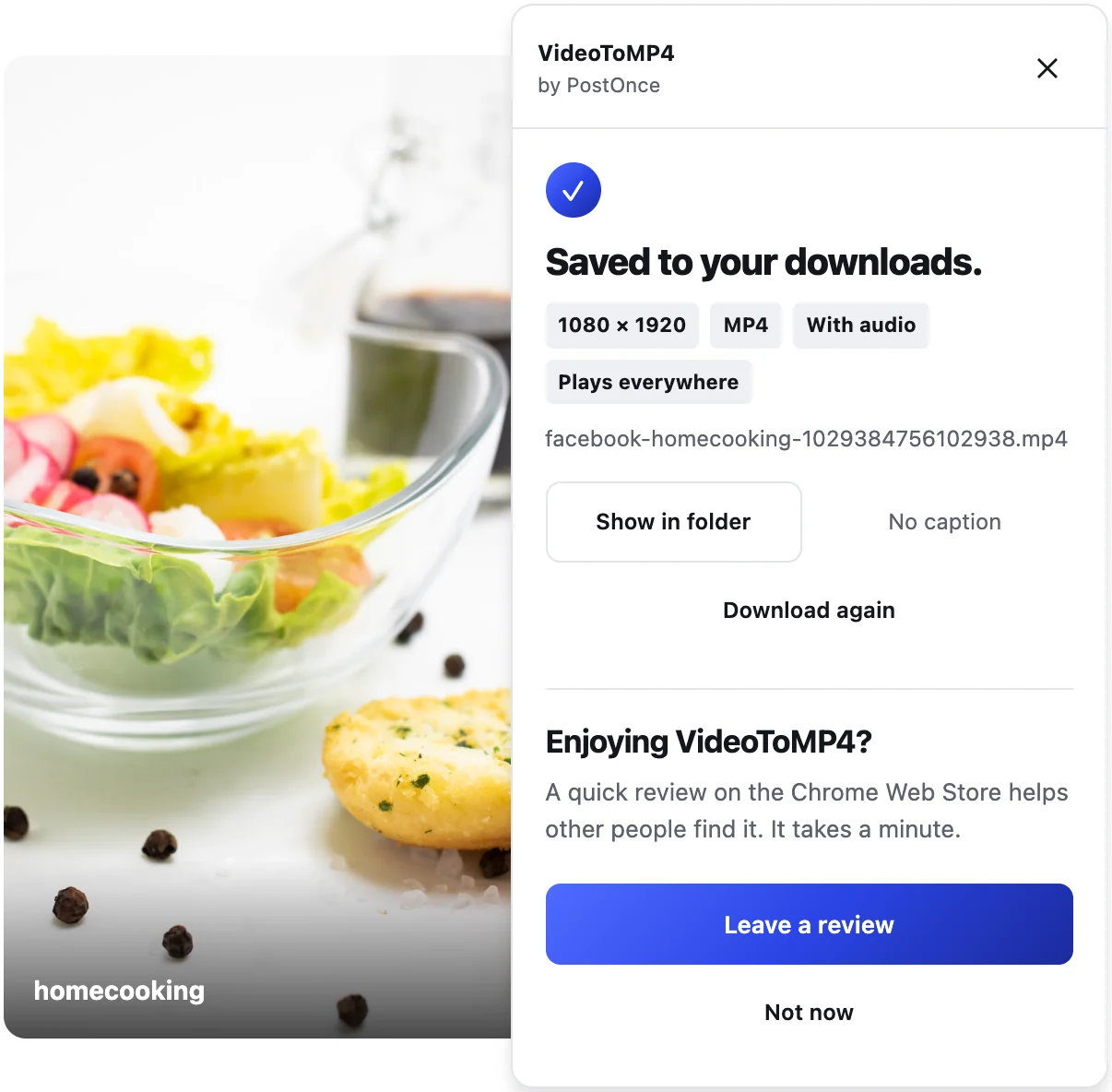
- Wait for "Saved to your downloads." The panel shows the resolution, "With audio" and "Plays everywhere".
Where the files play
H.264 video with AAC sound in an MP4 is the most widely supported video file there is. It opens in QuickTime, Photos and iMovie on a Mac, on iPhone and iPad, in WhatsApp, and in common editors and players on Windows.
Honest limits
- Videos larger than 1080p are saved at 1080p on their short side.
- Conversion takes a moment for long videos; the panel shows its progress.
- If your browser can't convert a particular video, the original file is saved instead, and the result doesn't show "Plays everywhere".
- Desktop Chrome only.
More
For Reels, see the Facebook Reel downloader. For everything VideoToMP4 saves, see the Facebook video downloader page.
Please only download videos you own or have permission to reuse.